Skip to content
Sign in

/apps

The labs, in your pocket.

Seven Android apps that measure, generate and check the way the labs do: on the device, no account, and nothing leaves your phone unless you switch it on. Measuring is free and complete. Pro is a one-time in-app purchase on Google Play, for the price of a coffee, and the price stays where it is when features land. (It is separate from the API plans on the pricing page.)

From room to release

From room to release

One recording passes through four things that can go wrong. Each Lab measures one of them, the same way: on your device, in plain words, honest about what a phone can and cannot know.

  1. RoomLab

    The room

    Reverb colours everything the mic hears, and it cannot be removed later.

    RT60 per octave band

  2. MicLab

    The mic

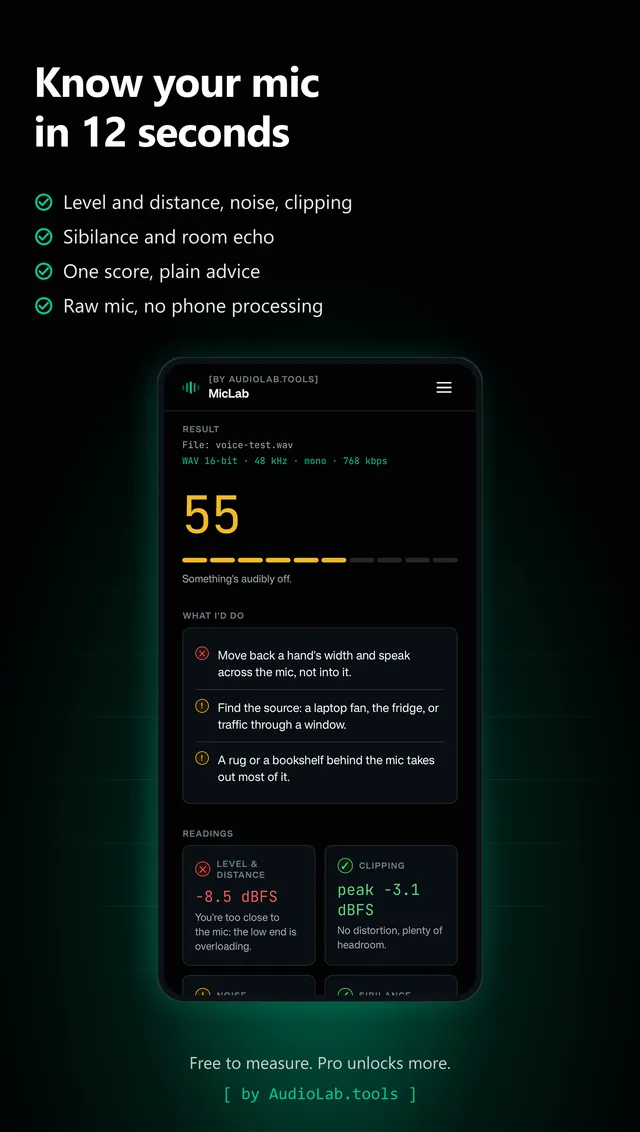
    Level, distance, noise, clipping and sibilance decide whether the take is usable.

    One score, five checks

  3. LevelLab

    The file

    Streaming platforms normalise what you upload, whether you measured it or not.

    LUFS and true peak

  4. NoiseLab

    The noise

    The floor of the room you record in, and the level your ears are standing in.

    LAeq and hours left

Around that chain

Two of the others feed the chain, and one checks the ears at the end of it. Same rule: on your device, in plain words, honest about what a phone can and cannot know.

  • SignalLab

    What goes in

    Nothing is measured until something plays: tones, noise and the exact sweep RoomLab listens for.

    20 Hz to 20 kHz, honest dBFS

  • TuneLab

    What plays

    A string that is out by six cents ruins a take that no measurement afterwards can rescue.

    Cents, with the wobble

  • SkillLab

    What you can hear

    The meters see a difference; this says how small a difference you can still hear yourself.

    Your threshold in dB

RoomLab

Measure your room with one clap.

Android · free to measure · Pro EUR 5.99 one time

What the free app does, and what Pro adds

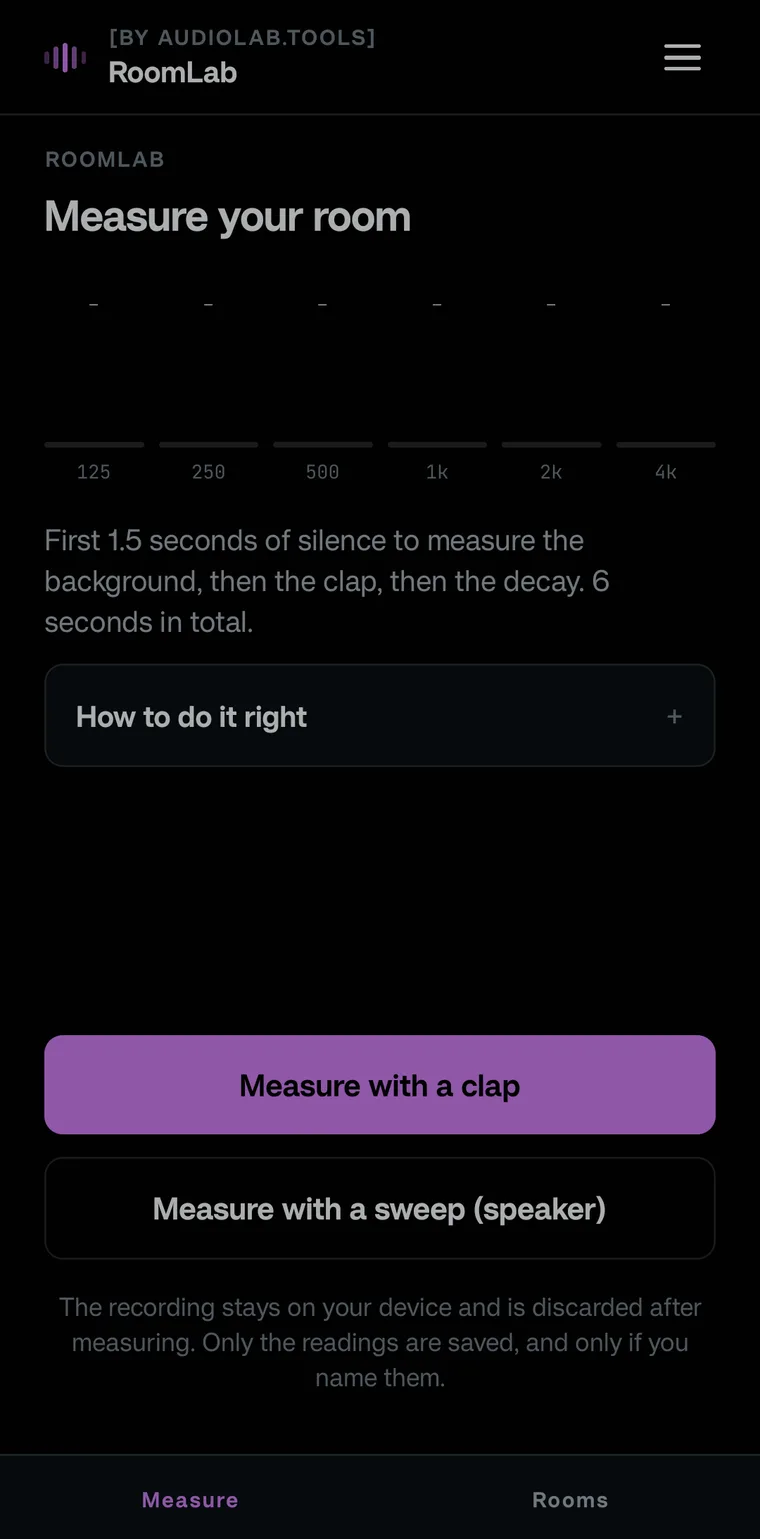
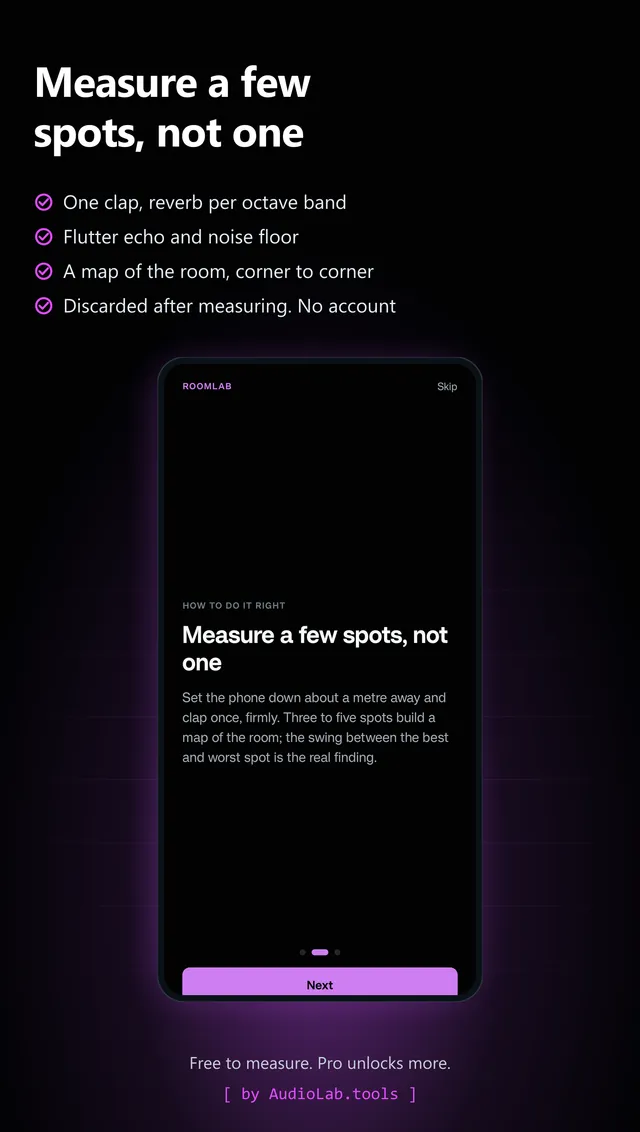
One clap or a balloon pop: reverb per octave band, flutter echo and the noise floor, with a score out of 100 for what the room is for (recording, classroom, office, lecture hall, speech, music or a gathering), and the source of every limit. Measure a few spots and the app builds a map of the room; the swing between corners is the real finding. A speaker sweep covers the low bands too. A clap reads from 500 Hz up, and a phone is a quick check, not an ISO 3382 measurement.

Free

  • Unlimited measurements and rooms
  • The decay curve behind every band
  • Hear this room: a dry beat through the response you recorded
  • Two measurements side by side, band by band
  • Your first shareable PDF report, which says how each spot was read (T20 or T30 per band, ~ for a rough value)

Pro · EUR 5.99 one time

For when the room has to be explained to someone else: a report you can hand to a client, a studio builder or a landlord, with your name on it.

  • Unlimited reports
  • A treatment plan: how many m² of absorption per material for your target
  • Hear the room after that plan
  • Your logo on the report, CSV or JSON export
RoomLab on a phone
RoomLab spots: several measured positions and the swing between themRoomLab: one clap, reverb per octave band, on a real measurement
MicLab

Check your mic in 12 seconds.

Android · free to measure · Pro EUR 3.99 one time

What the free app does, and what Pro adds

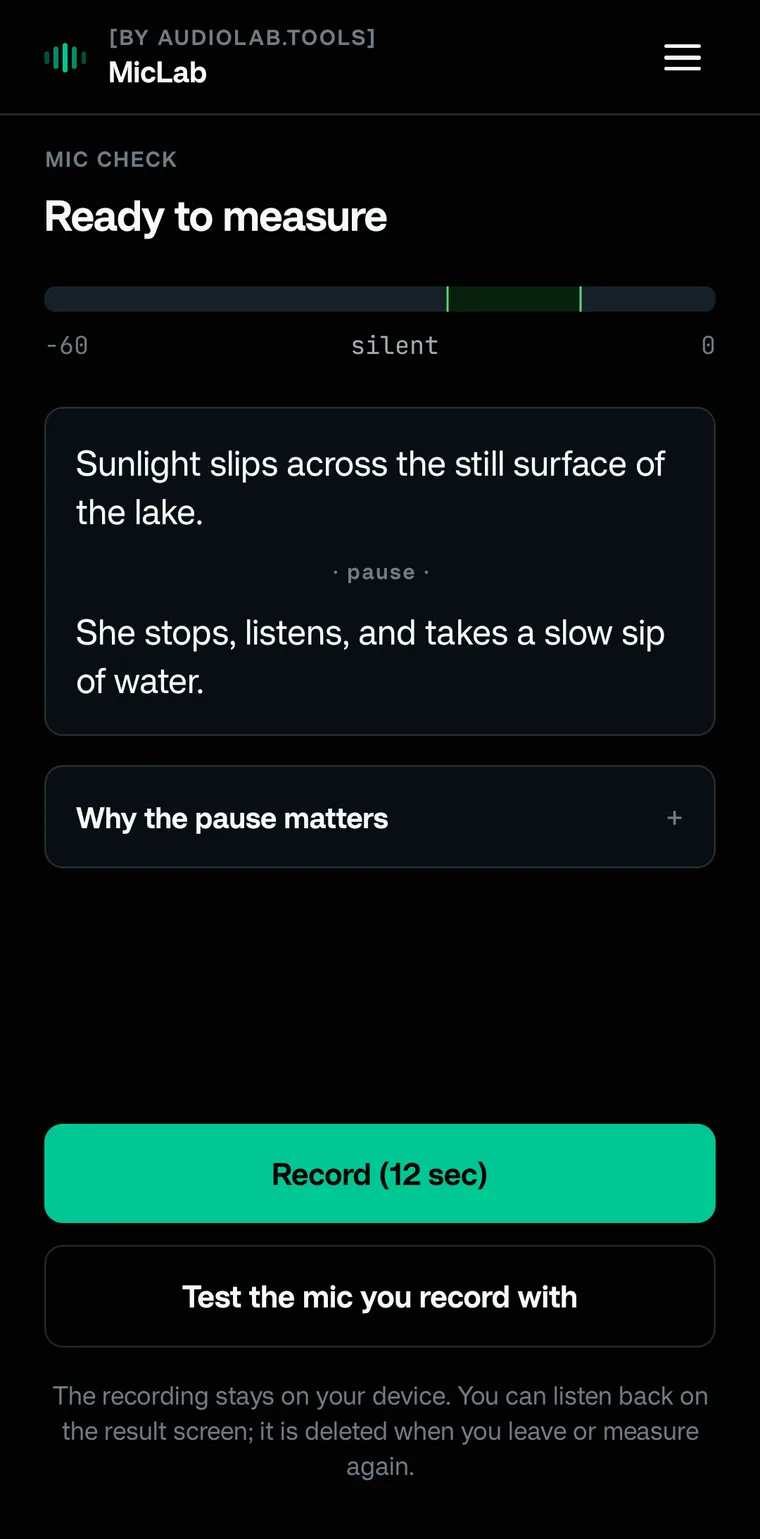
Records twelve seconds of your voice through the raw microphone and scores what matters for a clean take: level and distance, noise, clipping, sibilance and how much of the room bleeds in. Or pick a WAV you recorded in your own setup.

Free

  • Unlimited checks, score and plain advice
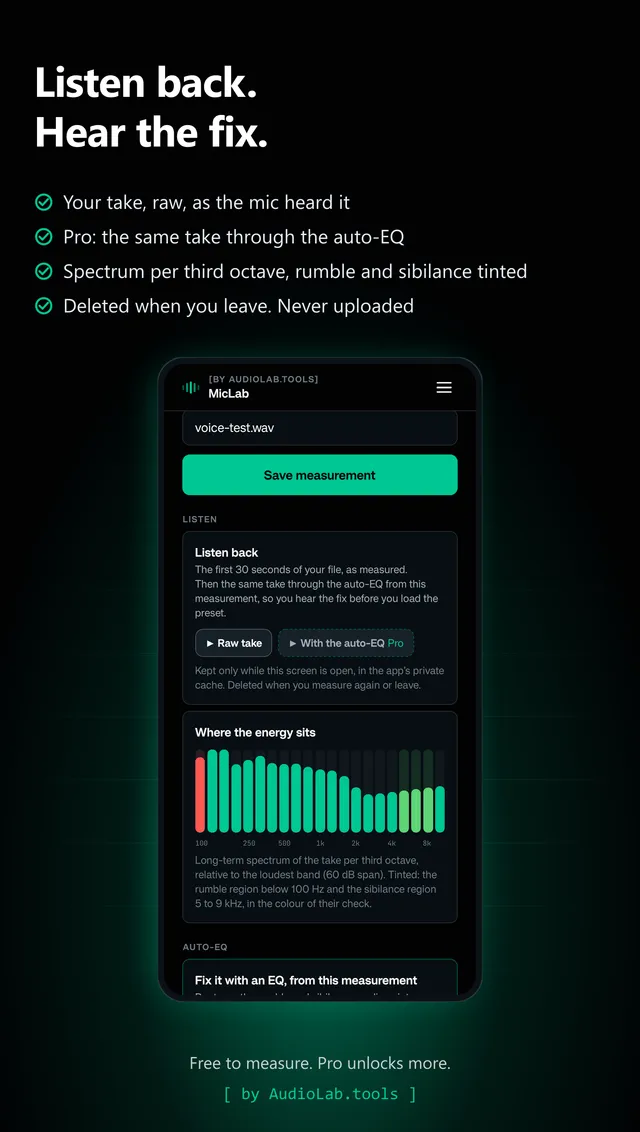
  • Listen back to every take
  • Spectrum per third octave, rumble and sibilance tinted
  • The first 10 seconds of your own take through the auto-EQ (the curve and the whole take stay Pro)
  • Your first shareable PDF report

Pro · EUR 3.99 one time

For when the take has to hold up for someone else: a report you can hand to a client, a producer or a studio, with your name on it.

  • Unlimited reports
  • Auto-EQ preset from your measurement (Wavelet, Equalizer APO), audible on your own take first
  • Rank up to four takes and share the ranking as a PDF
  • Side-by-side compares, your logo on the report, CSV or JSON export
MicLab on a phone
MicLab result screen: one score out of 100, five checks and plain adviceMicLab listen screen: play back every take and hear what the mic did
LevelLab

Loudness the way the platforms hear it.

Android · free to measure · Pro EUR 6.99 one time

What the free app does, and what Pro adds

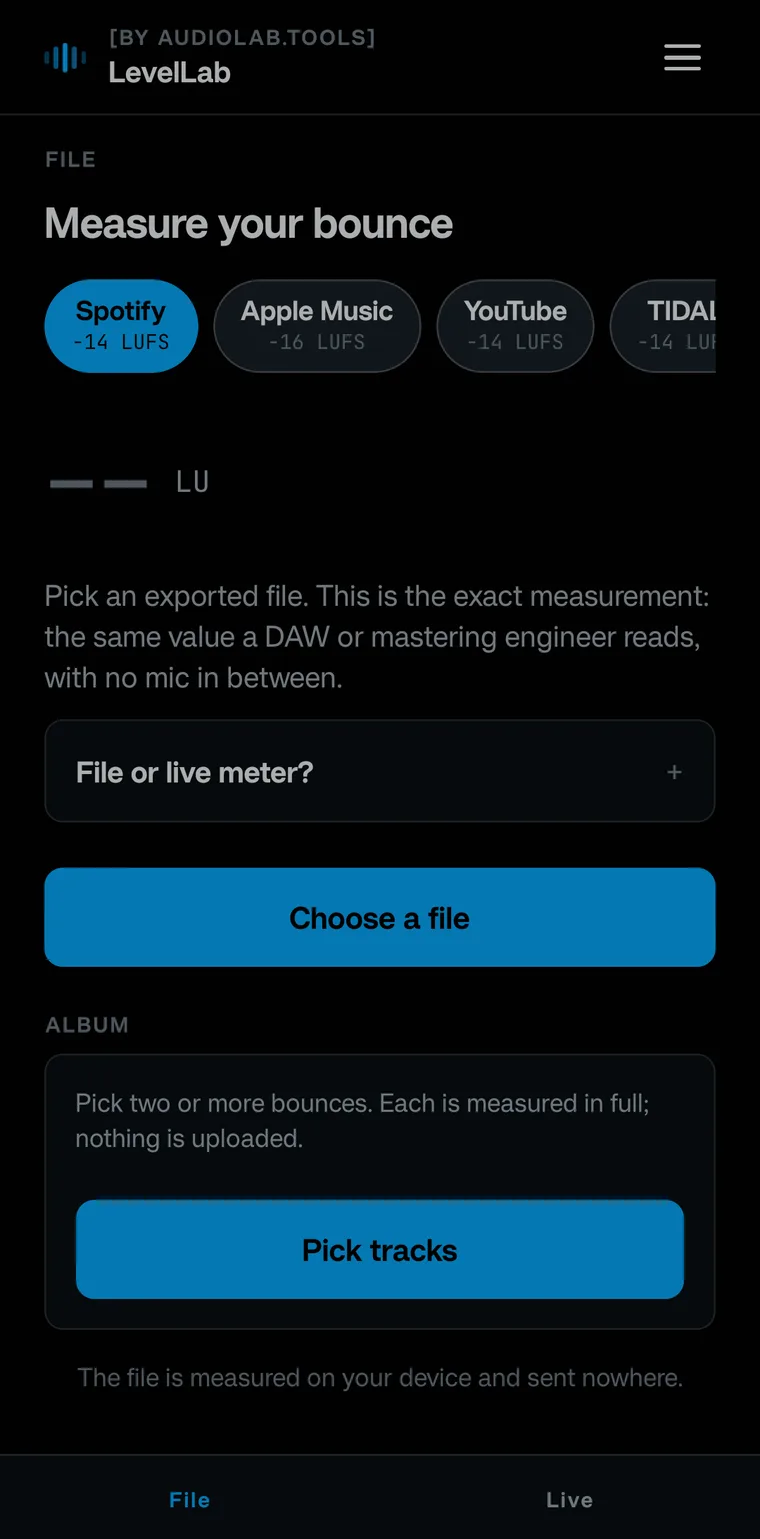
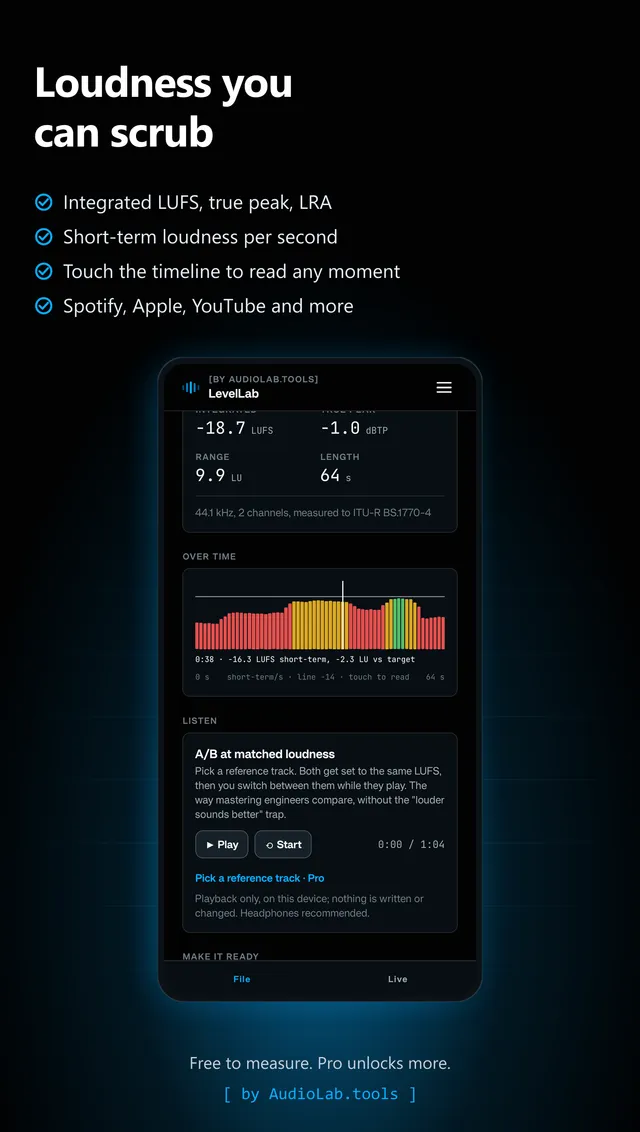
Integrated LUFS and true peak to ITU-R BS.1770, loudness range to EBU Tech 3342, checked against Spotify, Apple Music, YouTube and more. Measures the file you exported, so the number is the one a mastering engineer reads, with no mic in between.

Free

  • Every value, every platform
  • A loudness timeline you can scrub
  • Play your file
  • Normalise to a platform target, 16- or 24-bit WAV
  • Your first shareable PDF report

Pro · EUR 6.99 one time

For when the master goes out under your name: a report you can hand to a label, a client or a mastering engineer, with your logo on it.

  • Unlimited reports
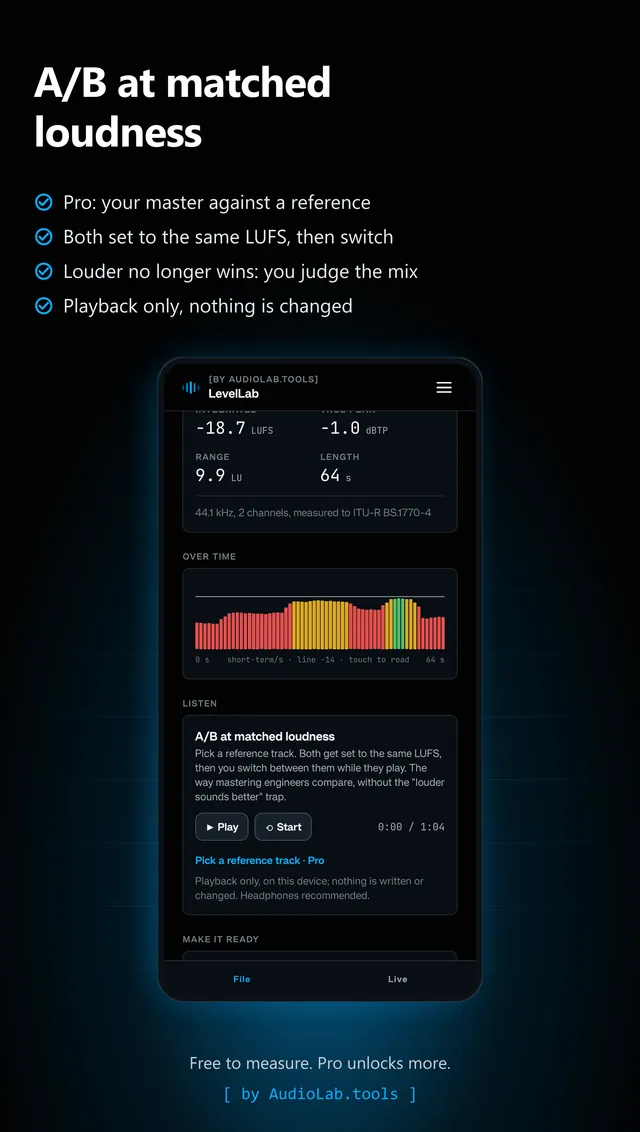
  • A/B against a reference track at matched loudness
  • Album mode: measure and normalise a whole album in one go
  • Side-by-side compares, your logo on the report, CSV or JSON export
LevelLab on a phone
LevelLab loudness timeline: scrub through the file you exportedLevelLab A/B: your master against a reference at matched loudness
NoiseLab

How loud is it here, really.

Android · free to measure · Pro EUR 5.99 one time

What the free app does, and what Pro adds

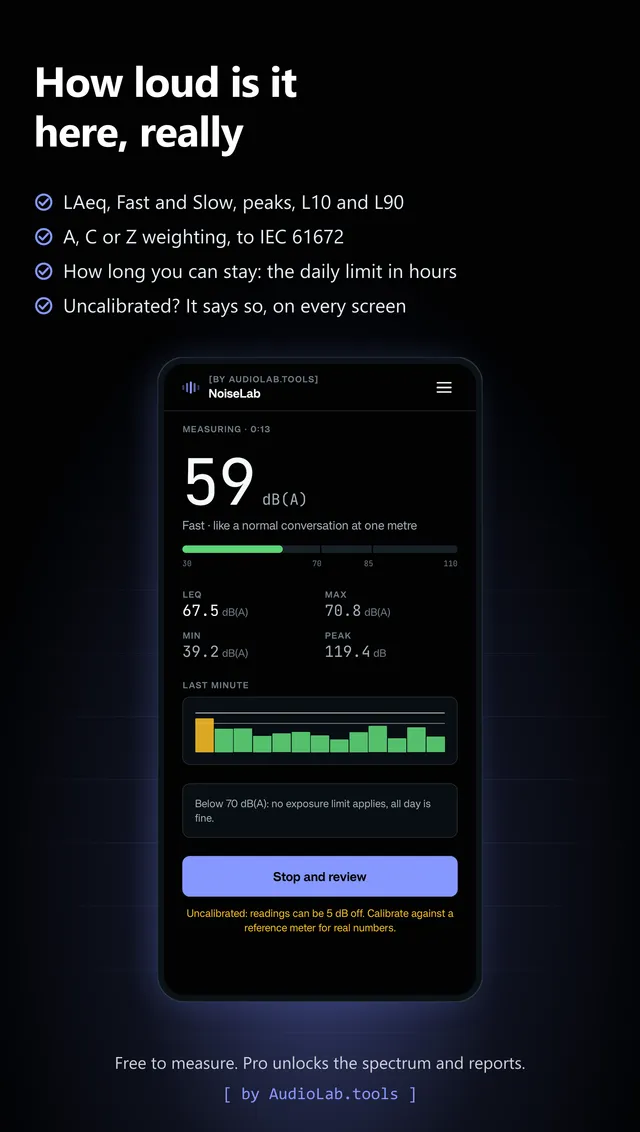
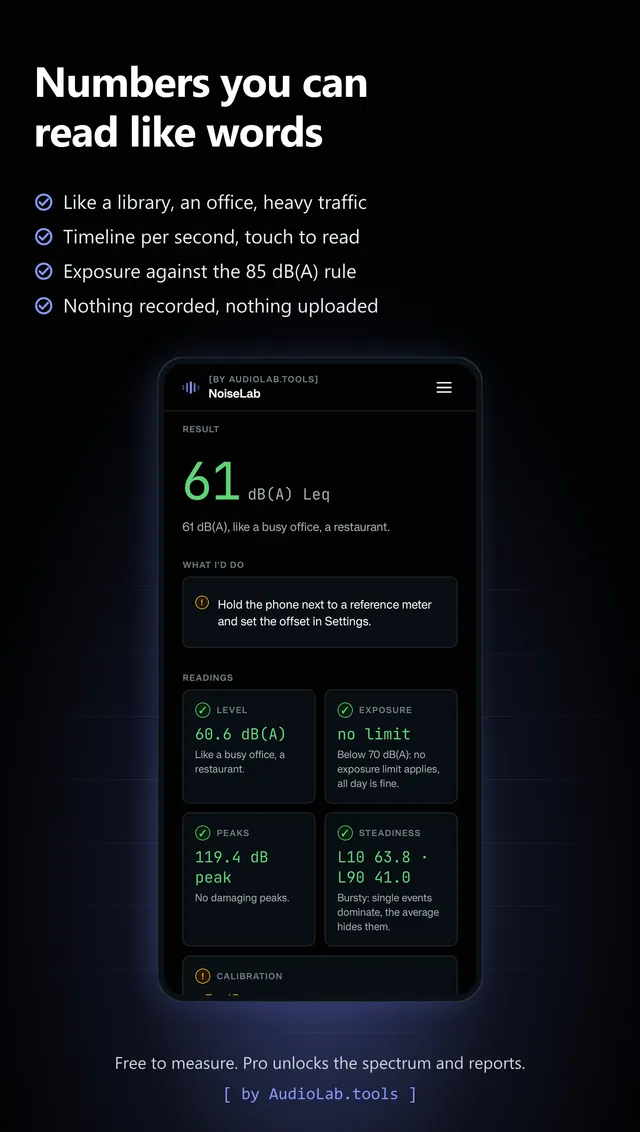
A sound level meter that tells you what it knows: A, C or Z weighting to IEC 61672, Fast and Slow, LAeq, peaks, L10 and L90, and how long you can stay before your daily exposure reaches the 85 dB(A) upper action value, with a plain note while you are still under the 80 dB(A) lower one. Below 30 dB and above 105 dB a phone microphone cannot measure honestly, so the app shows < 30 or > 105 instead of a number. It is a first scan, not a class 1 or class 2 sound level meter. Calibrate once against a real meter; until then every screen says the reading is uncalibrated.

Free

  • Every value, the timeline per second and your history
  • Exposure in hours against the upper action value of 85 dB(A)
  • Calibration against a reference meter, input choice
  • Your first shareable PDF report

Pro · EUR 5.99 one time

For when the number has to leave your phone: a report you can hand to a client, a landlord, a safety officer or the council, with your name on it, as a first scan and not a certified measurement.

  • Unlimited reports
  • The share of the session above the 80 and 85 dB(A) action values, not just the average
  • Octave-band spectrum, 31.5 Hz to 8 kHz, on screen and in the PDF
  • Side-by-side compares, your logo on the report, CSV or JSON export
NoiseLab on a phone
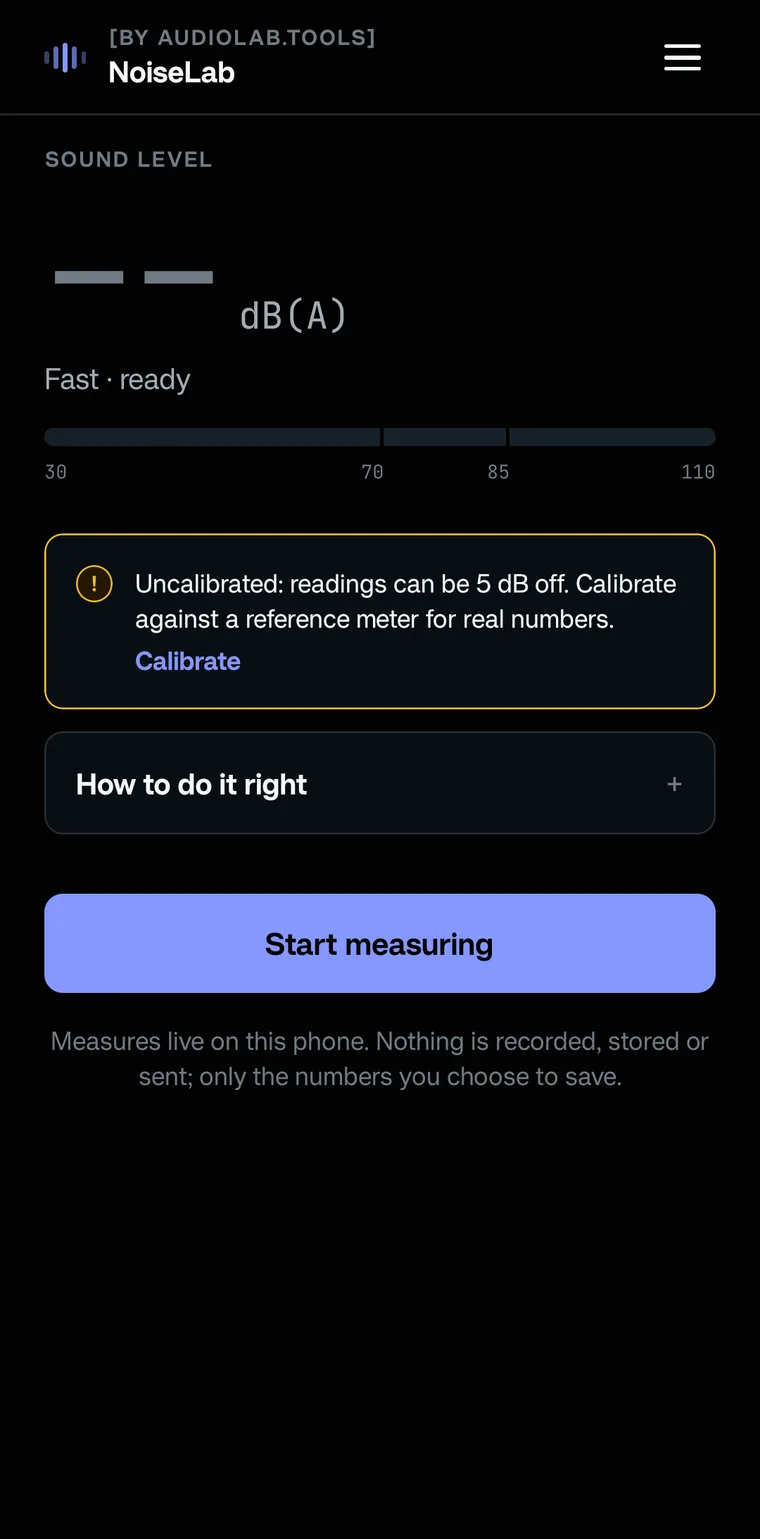
NoiseLab live meter: dB(A) with the 70 and 85 dB marks in sightNoiseLab result: LAeq, peaks, statistics and hours left at this level
SignalLab

Every test signal, honest about your speaker.

Android · free to measure · Pro EUR 4.79 one time

What the free app does, and what Pro adds

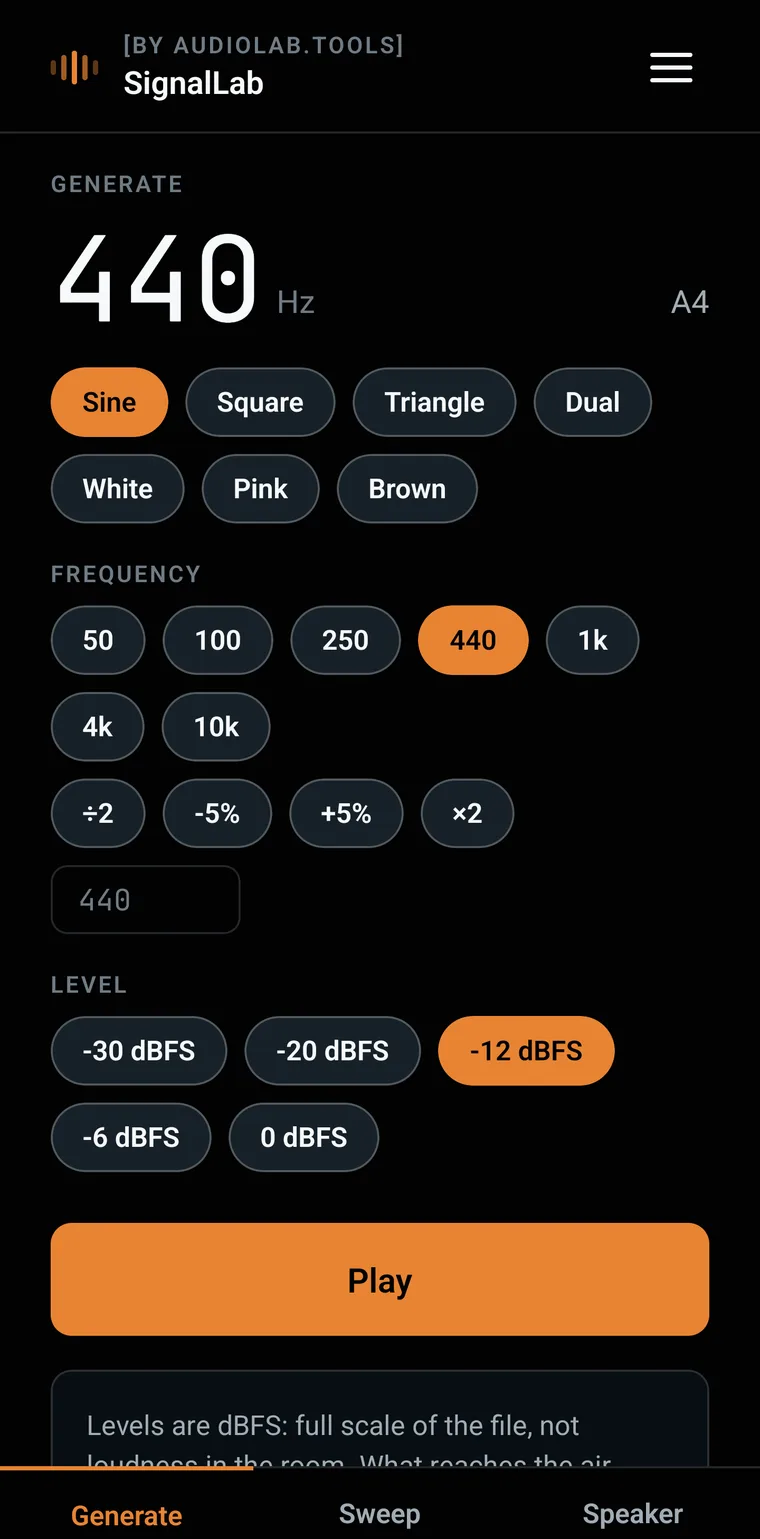
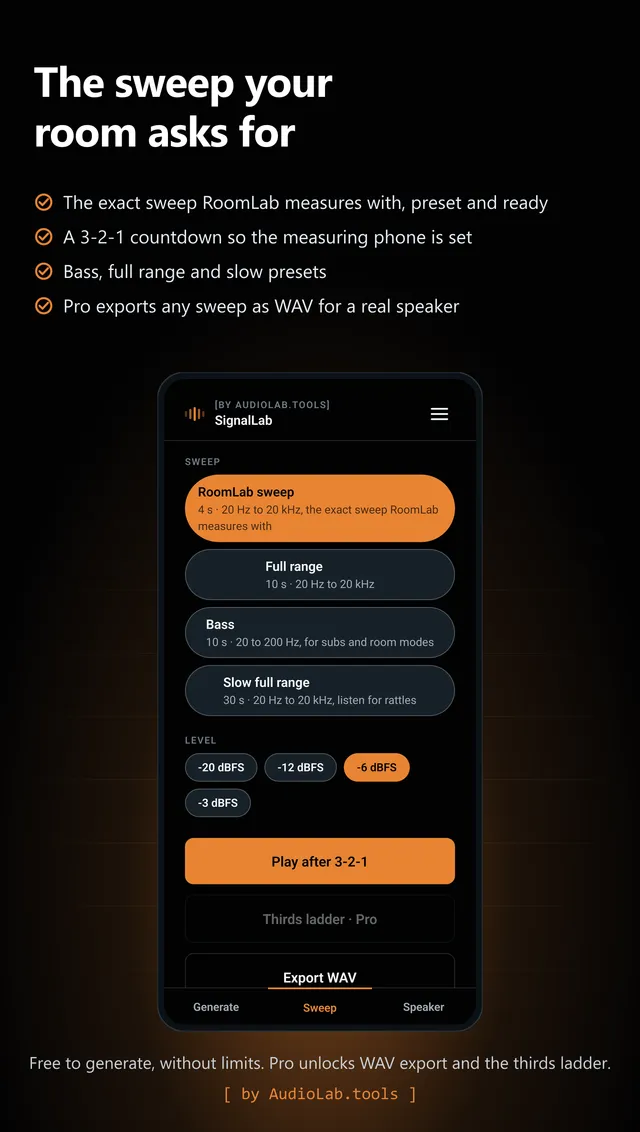
Generates sine, square and triangle waves, white, pink and brown noise, sweeps and speaker checks. Levels are honest dBFS, loops are seamless, and it plays the exact sweep RoomLab measures with, from a second phone. It only plays: like SkillLab, it has no microphone permission.

Free

  • Every waveform, 20 Hz to 20 kHz, with its musical note
  • Sweeps with a 3-2-1 countdown, including the RoomLab preset
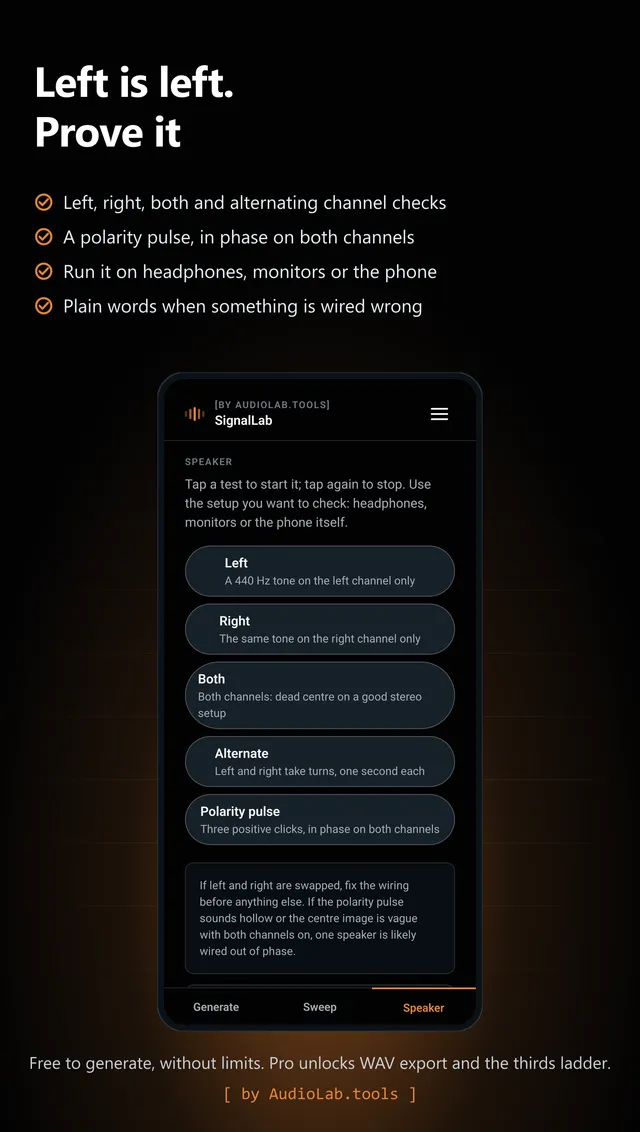
  • Left, right, polarity and balance speaker checks
  • One free WAV export
  • Favourites on the generator screen, 3 free

Pro · EUR 4.79 one time

For taking the signals with you: unlimited WAV export for a DAW or a proper speaker, plus the thirds ladder.

  • Unlimited WAV export for a DAW or a proper speaker
  • Custom sweeps: set your own start, end and duration to walk a problem band
  • Saved runs that chain sweeps, noise and tones into one run (up to 12 steps and 3 minutes)
  • Unlimited favourites
  • The thirds ladder: 26 bands, 50 Hz to 16 kHz, one second each
SignalLab on a phone
SignalLab sweep presets, including the exact sweep RoomLab measures withSignalLab speaker checks: left, right, alternating and a polarity pulse
TuneLab

In tune is a number.

Android · free to measure · Pro EUR 3.99 one time

What the free app does, and what Pro adds

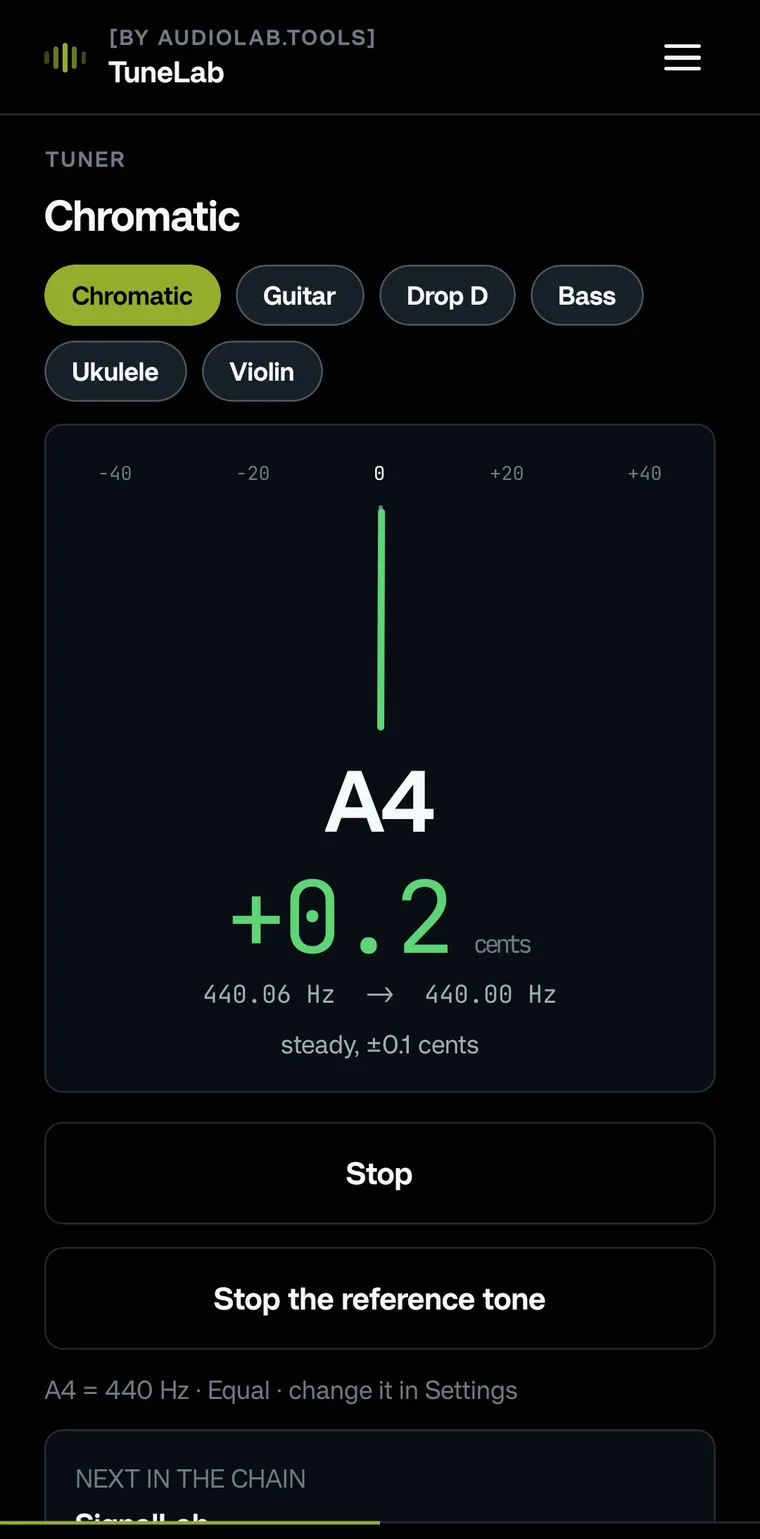
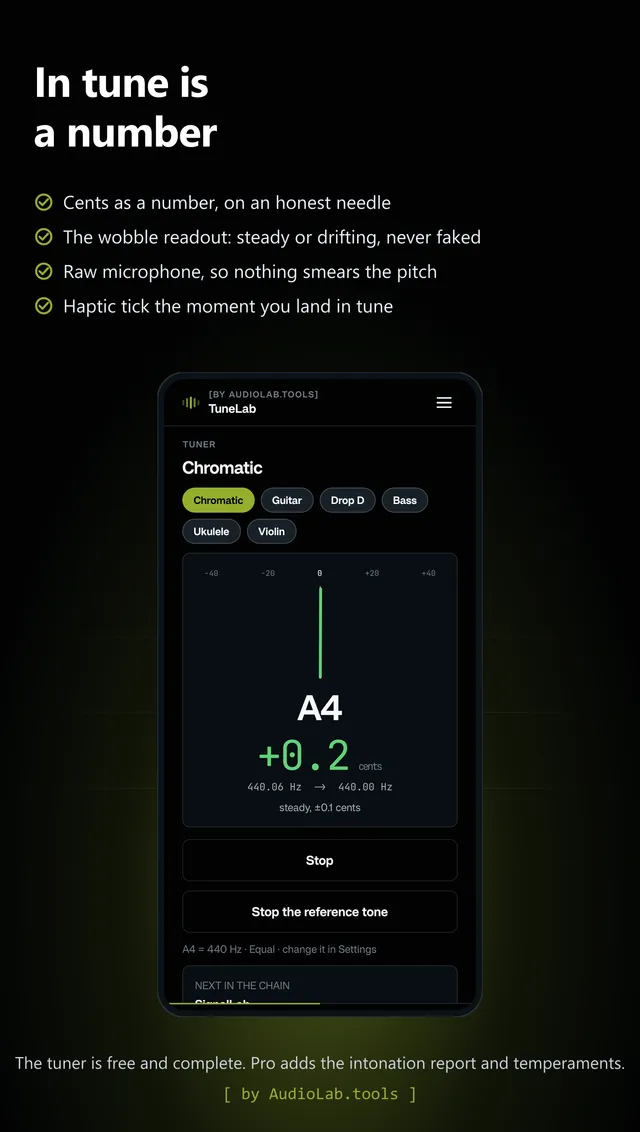
A chromatic tuner that behaves like an instrument: note, target frequency and cents as a number, on a needle that follows the string instead of faking calm. The wobble readout says how much the tone drifts. A4 is yours, 415 to 466 Hz, and everything a tuner should simply have is free.

Free

  • Chromatic tuner, 40 Hz to 2 kHz, cents as a number
  • The honest wobble readout: steady or drifting, never smoothed away
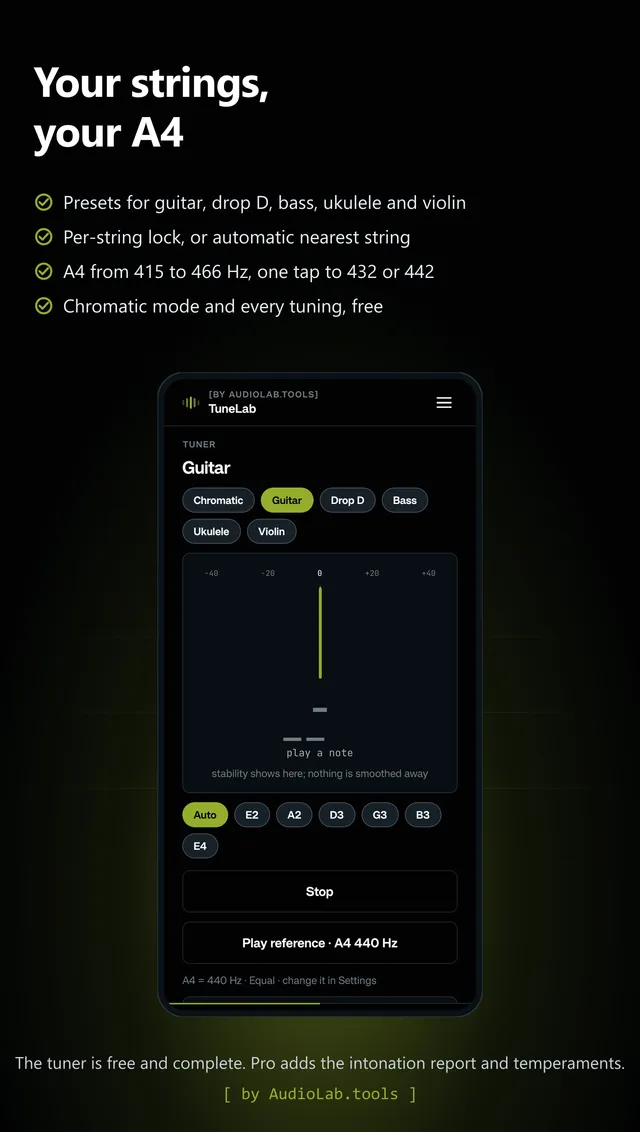
  • Presets for guitar, drop D, bass, ukulele and violin, with string lock
  • A4 calibration and reference tones for every target note

Pro · EUR 3.99 one time

For the bench: the guided intonation report per string with a saddle direction, run history, and the historical temperaments.

  • The intonation report: open plus 12th fret per string, saddle advice, PDF
  • Run history and the historical temperaments (just, meantone, Werckmeister)
TuneLab on a phone
TuneLab needle on A4 440 Hz with cents as a number and the wobble readoutTuneLab guitar preset with per-string lock and A4 calibration
SkillLab

Hear what the meters see.

Android · free to measure · Pro EUR 4.99 one time

What the free app does, and what Pro adds

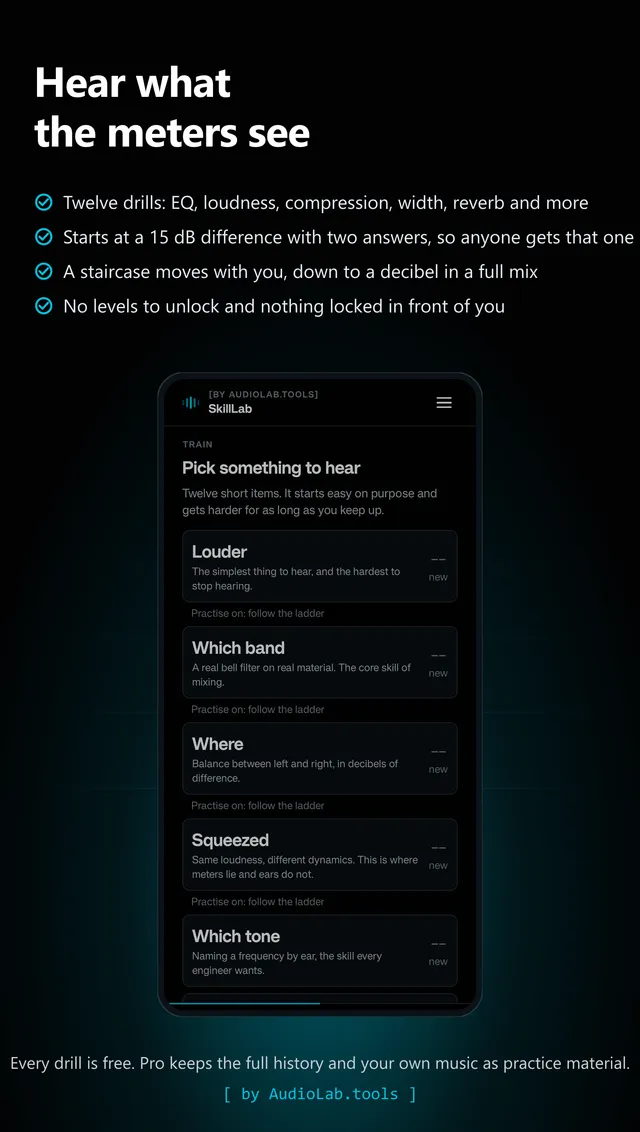
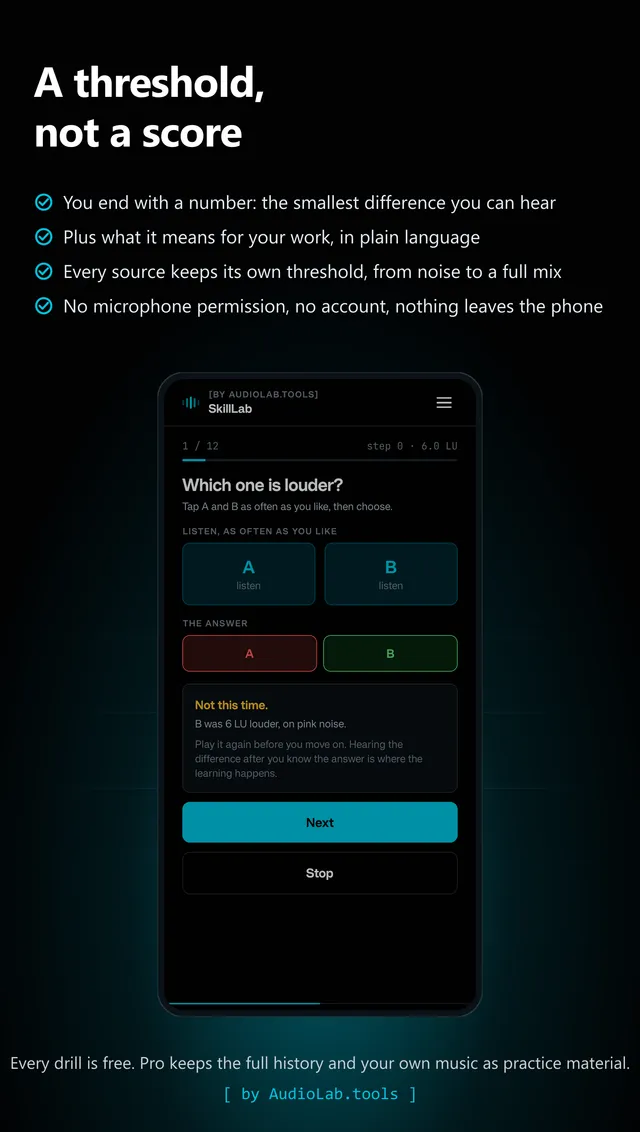
Ear training that ends in a number with a unit instead of a score: the smallest difference you can still hear. Twelve drills on real filters, a real compressor and a real reverb, every clip matched to the same loudness so you train on the effect and not on volume. No levels, one ladder that keeps going.

Free

  • Twelve drills, every step of every ladder, no limits
  • A 2-down-1-up staircase that lands on your threshold in dB
  • Reference levels from Starting out to Exceptional, with the next one in sight
  • Your last three sessions per skill
  • Your first shareable PDF report

Pro · EUR 4.99 one time

For the long game: every session you have ever done with the curve behind it, your own music to practise on, and a report you can hand over.

  • Every session you have ever done, with the curve and the practice source behind it
  • Your own music as a practice source, matched to the same loudness; each drill remembers its own source
  • Unlimited PDF reports of your thresholds, with your name on them
SkillLab on a phone
SkillLab drill picker: twelve things to hear, each with your threshold beside itSkillLab result: your threshold as a number with a unit, and what it means for your work
Which Lab first

For organisations
Enterprise: measurement days, custom presets, a self-hosted setup or a scope of your own. On request, scope agreed first.

Talk to us about Enterprise →
How they relate to the labs

The apps run their own on-device measurement code and never call AudioLab.tools. They use the same loudness definitions as the labs (EBU R128 and ITU-R BS.1770), and RoomLab derives reverberation time from the decay of a clap or a sweep, the quantity ISO 3382 defines. A phone and a clap are a quick check, not an ISO 3382 measurement, and every app says where it stops. The same rule holds: you always see every measured value; what you pay for is a report, a plan or a tool, never your own data. MicLab, LevelLab, RoomLab and NoiseLab can send anonymous measurement numbers (never audio, never a file name) to a European analytics host, off by default and switchable in Settings. SignalLab, TuneLab and SkillLab have no analytics code at all. Read what the apps store on the privacy page, or see how to delete what an app kept on your phone.